

Language

|
Passwords Base will keep all your passwords in safety. |
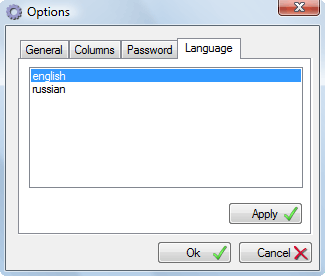
Language options tab, allows you to set program interface language. Clicking the item in the menu or using the arrow keys to highlight item, and then click the Ok button.
Note: do not forget to restart application. |


| www.miklsoft.com |
Term of use
Privacy Policy
|