

Professional Renamer How to Export/Import Template.

|
A powerful tool to rename multiple filenames at once. |
1) Export template
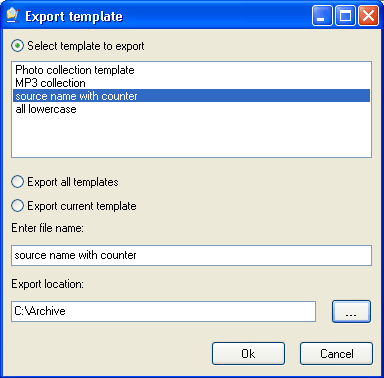
To export template: use [menu] -> [Template] -> [Export].
In the export template select: Select template to export edit it name in the Enter template name field.
Select location:
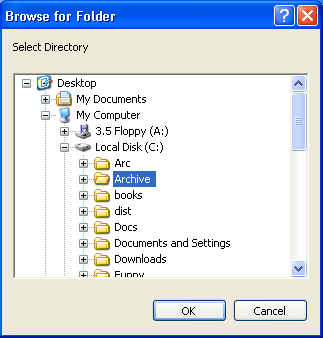
Then click the Ok button.
2) Import template
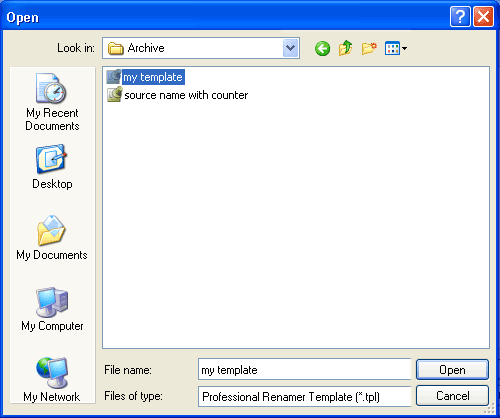
To import template: use [menu] -> [Template] -> [Import]. In the Import template, browse for your template and click the Open button.


| www.miklsoft.com |
Term of use
Privacy Policy
|