

Rename multiple file with Professional Renamer

|
A powerful tool to rename multiple filenames at once. |
In this example we will rename digital photos files from the New Year holiday.
1) Select folder using Explorer.
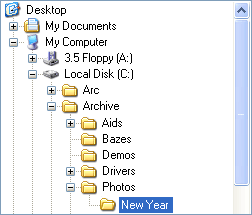
Source files:
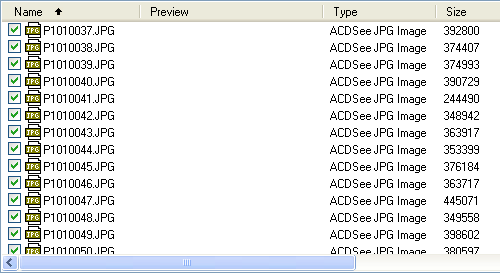
2) Open template Photo collection template.
Click Open template button on the tool bar.
 Select this template.
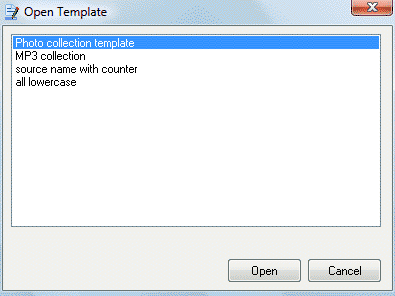
Click the Open button.
3) Type event text.
In the second field type New Year holiday.

Manage first field options (set the date).
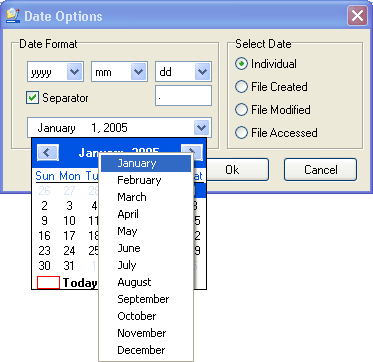
Click the Ok button.
Preview panel shows:
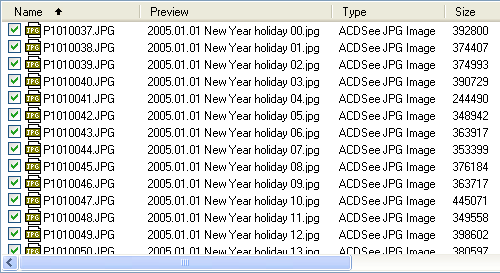
4) Rename.
Click Rename Files on the tool bar.

Rename Report shows:
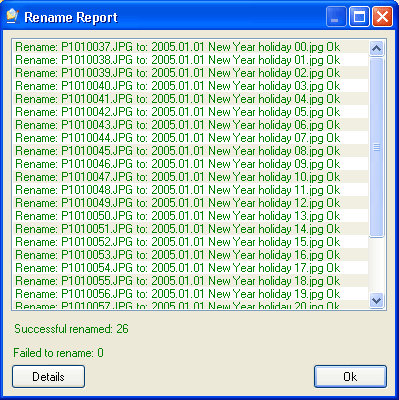
Click the Ok button.


| www.miklsoft.com |
Term of use
Privacy Policy
|