

PROFESSIONAL RENAMER

|
Powerful renaming tool to rename multiple filenames at once. |
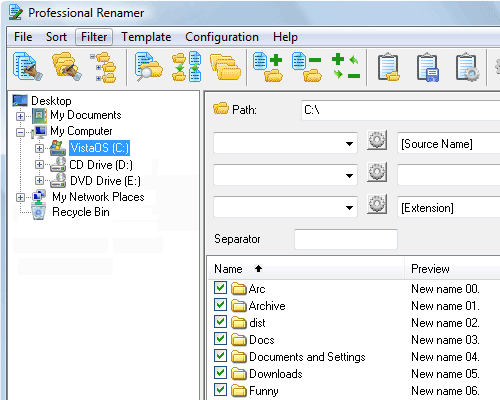
The main application window allows moving through system folders, editing templates, and addressing the changes to file names at the same time.
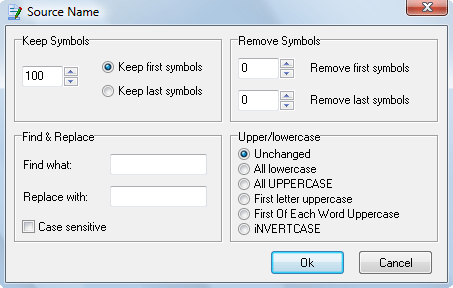
This dialog allows you to manage source name options.
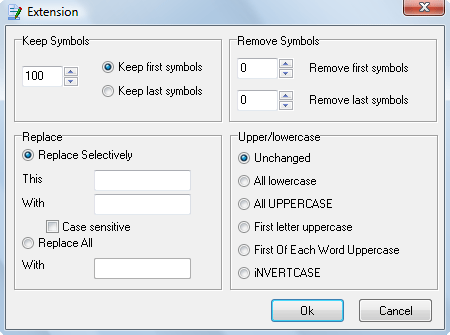
This dialog allows you to manage extension options.
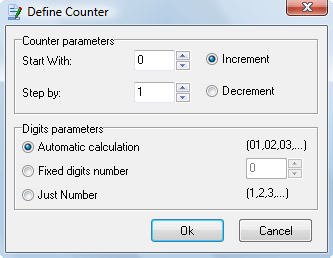
This dialog allows you to manage counter options.
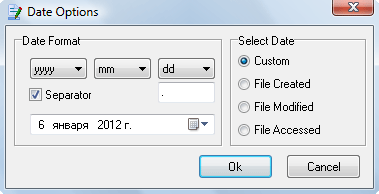
This dialog allows you to manage Date options.
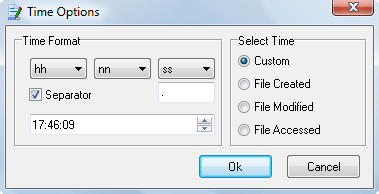
This dialog allows you to manage Time options.
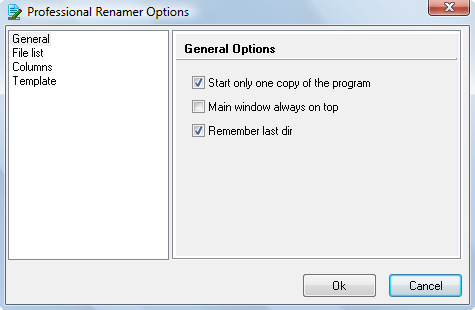
Options dialog is designed for program's customization, to make your work more comfortable.
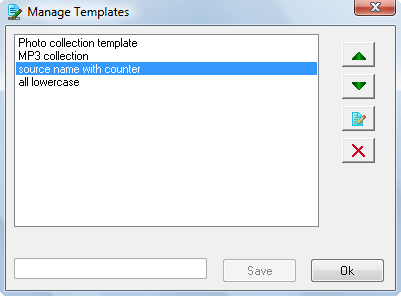
You can use Templates Management dialog for editing templates names, delete them or changing their order.
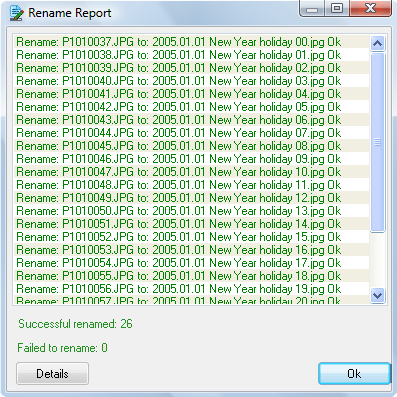
The green color of the record signifies that renaming this item has been completed successfully. If the record is red color click the " Details" button to know the reason.
| www.miklsoft.com |
Term of use
Privacy Policy
|